Request your course space
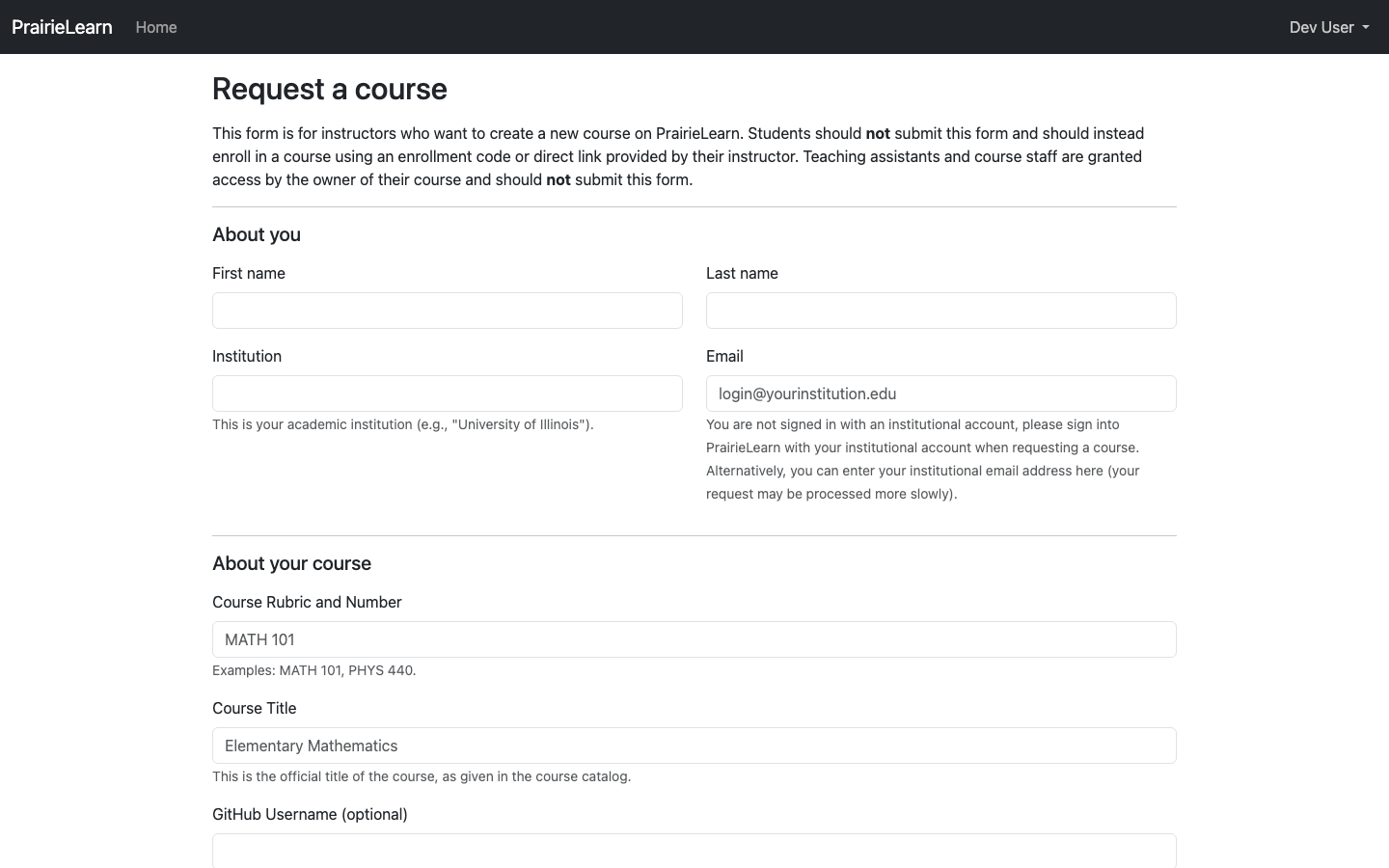
To start using ZJUI-Learn as an instructor, you first need a course space. Open the user menu in the top right of any ZJUI-Learn page and click Course Requests.

That takes you to the course request form. Fill it in with your institution, course name, and a brief description; the ZJUI-Learn team will review and follow up by email.
While you wait, this is also a good time to join the ZJUI-Learn Slack. This forum is a great place to ask questions and get help from the ZJUI-Learn community.
When your request is approved, you'll be granted Owner access to a fresh course in ZJUI-Learn and a dedicated GitHub repository for its content. From there, jump to Getting started.